
Labeling Hub
Reference guide for the Labeling Hub — tracking labeling progress and accessing the labeling tool.
Overview
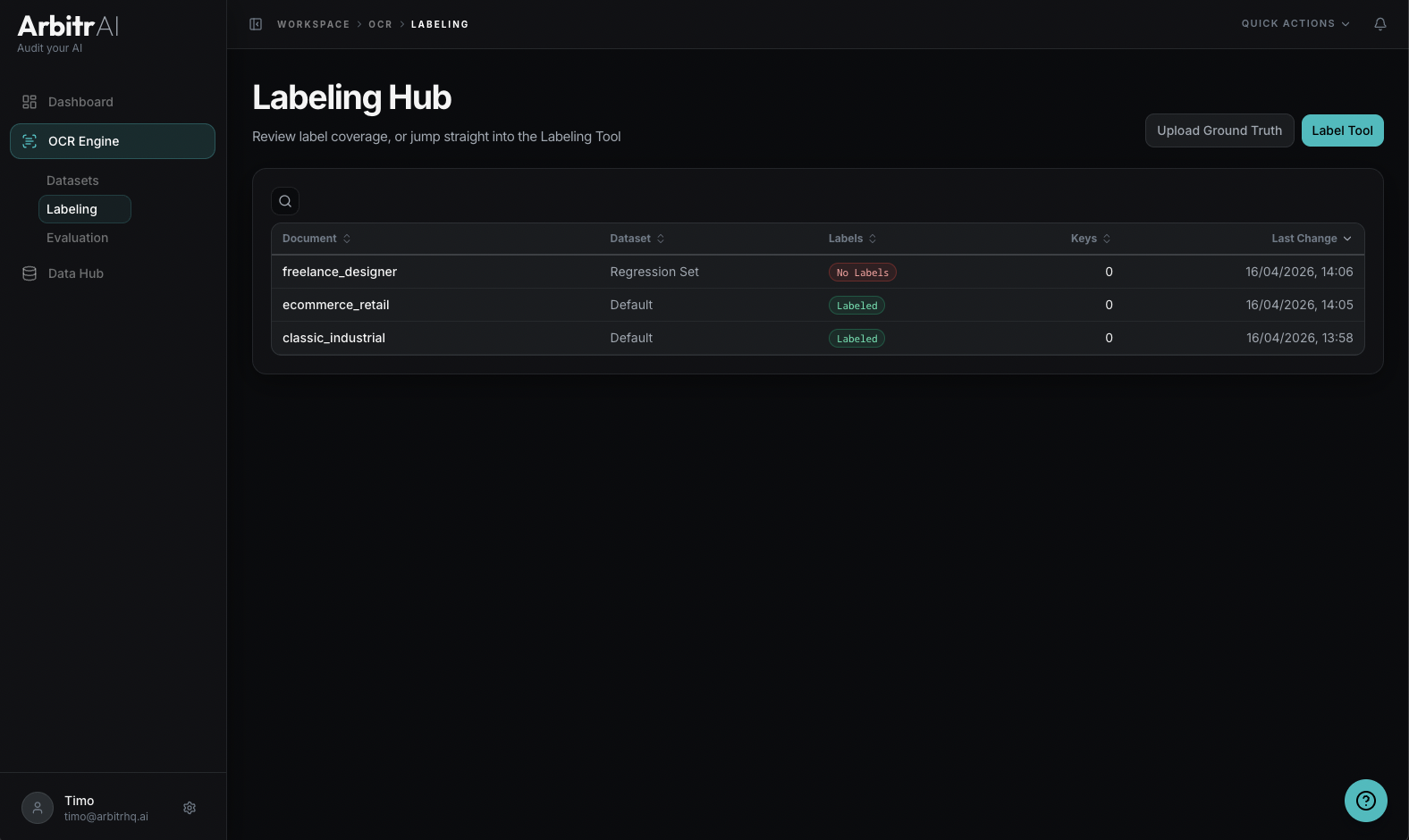
The Labeling Hub is the Labeling tab under the OCR section. It provides a table view of all documents in your workspace with their labeling status, making it easy to track progress and jump into the labeling tool.
Table Columns
| Column | Description |
|---|---|
| Document | Document name |
| Dataset | Which dataset the document belongs to |
| Labels | Status badge — green “Labeled” or red “No Labels” |
| Keys | Number of keys defined in the ground truth |
| Last Change | When the labels were last modified |
Features
- Search across all columns to find specific documents
- Sort by any column — default is Last Change (newest first)
- Click a row to open that document in the Ground Truth Labeling Tool
Label Status
- Labeled (green badge) — the document has ground truth data with defined keys and values
- No Labels (red badge) — no ground truth exists yet; click to open the labeling tool and start annotating